
How To: Determine How Much of a Video is Being Watched
Steps
- In the left navigation, click the Analytics icon.
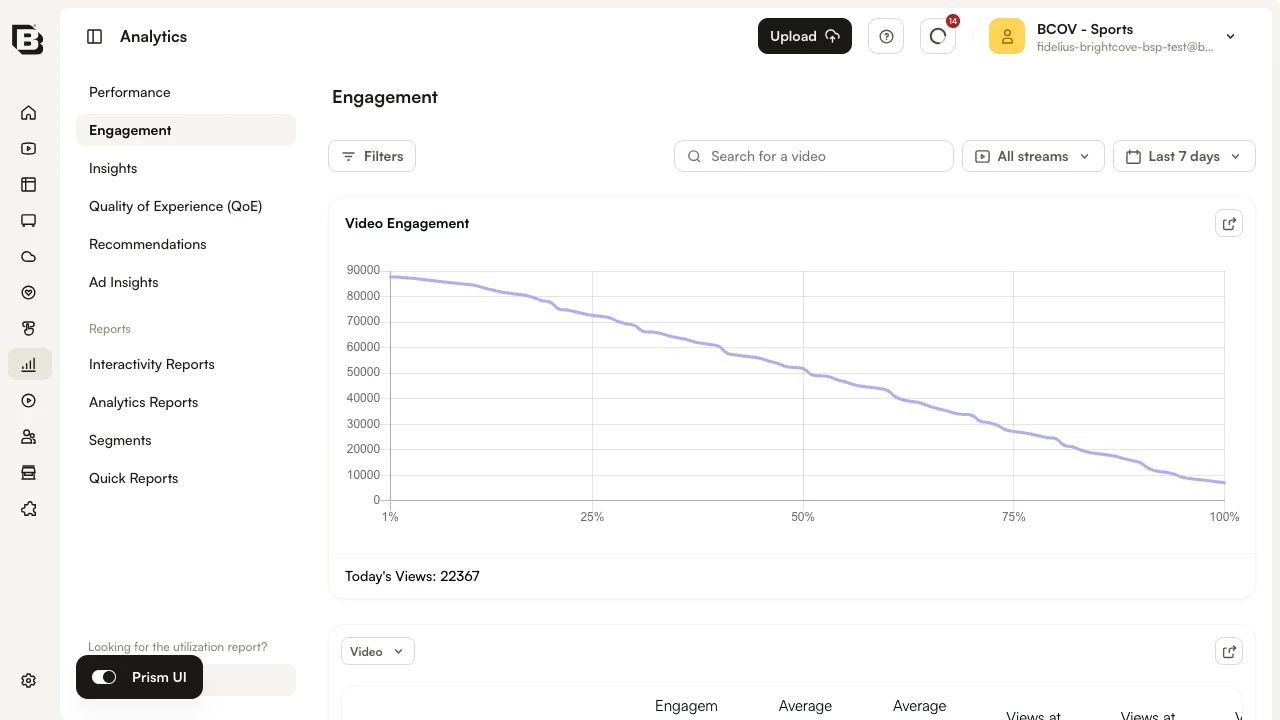
- Click Engagement in the left navigation.
- Use the date selector at the top right of the page to specify the time period.
- In the dimension dropdown below the chart, select Video.
- Click the Views at 1% column header to sort the table.
- Click a video name to open the engagement details for that video. The chart shows the percentage of viewers still watching at each point of the video. Spikes indicate parts that were rewatched and sudden drops should be investigated.
Use the Search for a video field at the top of the page to filter the report to a specific video.